This article show a guide on how to use Xhorse iKeycutter Dolphin cut key for SUZUKI ACCESS bike.And if you want to know more Dolphin key cutting projects,check here:Xhorse Dophin Key Cutting Tests.
Procedures:
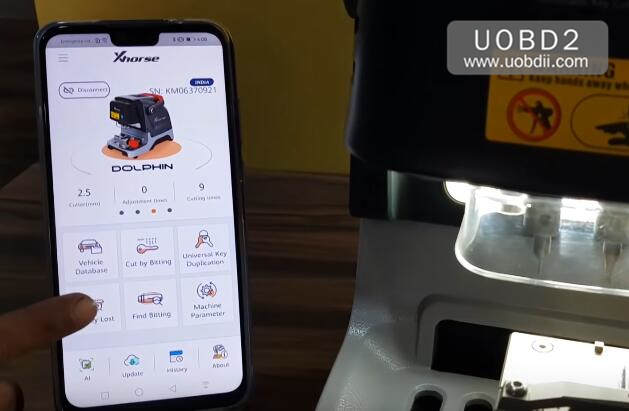
Build connection between Xhose Dolphin and your mobile by Bluetooth,then seelct
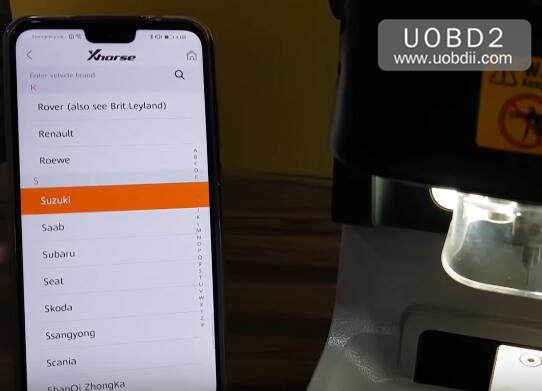
Select [Suzuki]
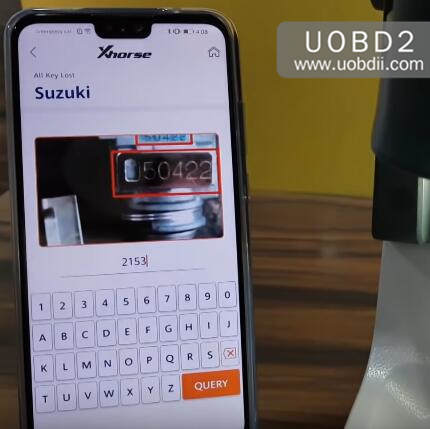
Input 2153,the press “QUERY” button to continue
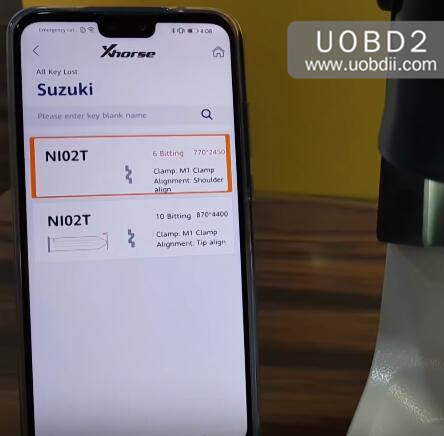
Select [NI02T]
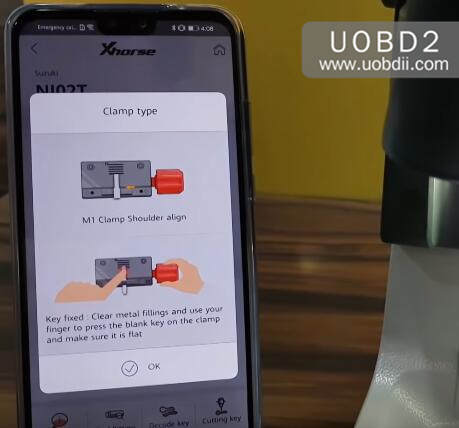
Follow the screen operation,then click [OK] to continue
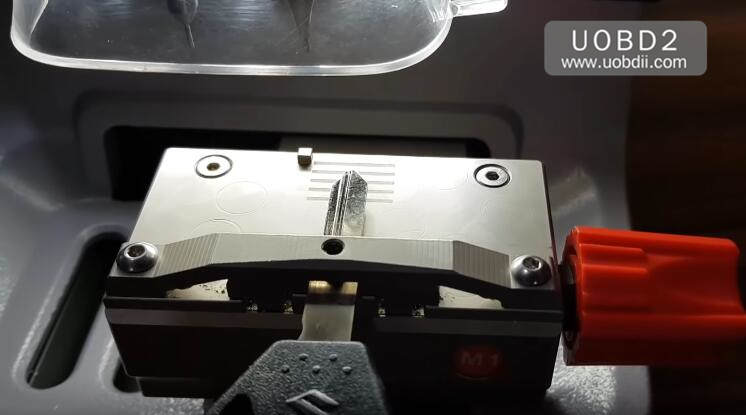
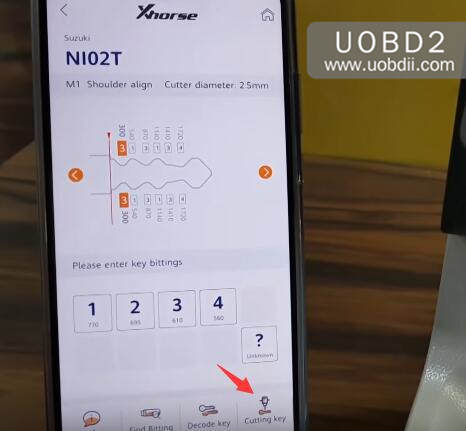
Press [Cutting Key] to continue
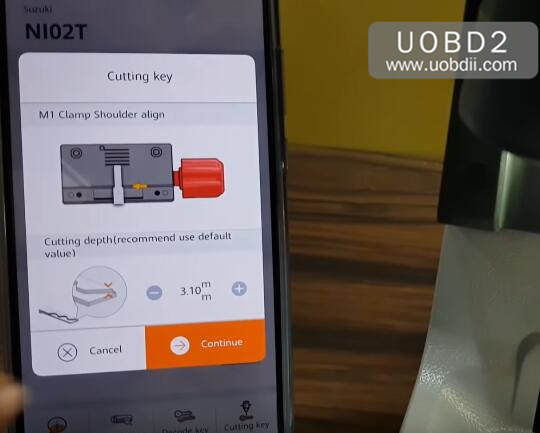
Cuttting depth (recommend use default value),press [Continue] button
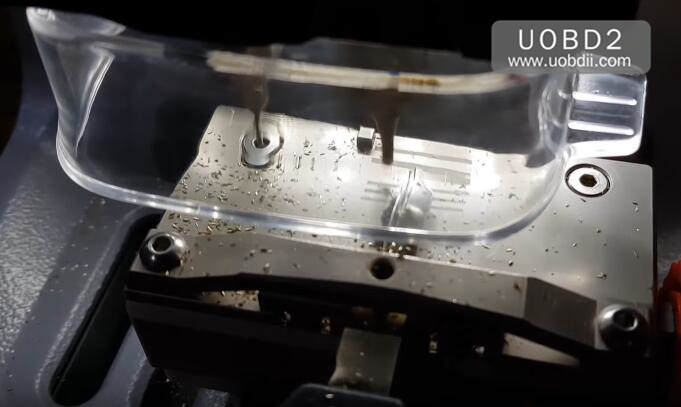
Now Xhorse iKeycutter Dolphin will start cutting work,you need wait process…

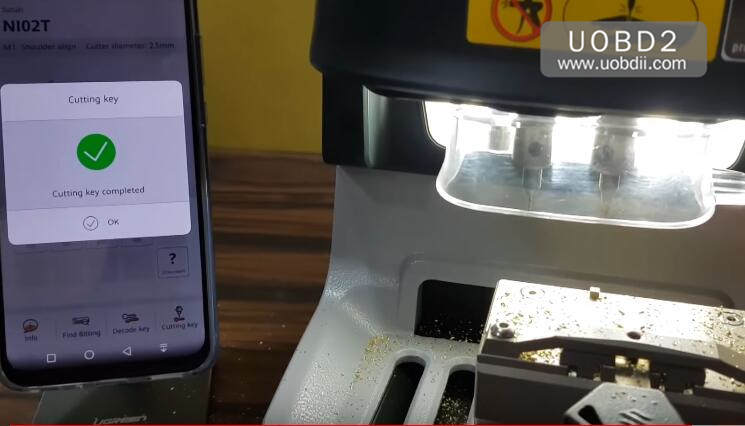
Cutting key completed
Now test key on the lock
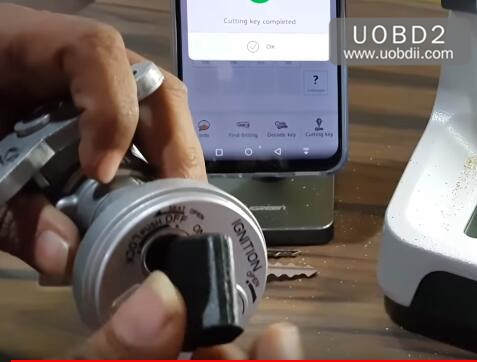
Done!