Here keycuttingmachine.org share the guide on how to use newest Xhorse Dolphin key cutting machine to cut keys for Mahindra Xylo.
Procedures:
Run Xhorse App,then build connection to Xhorse Condor Dolphin Machine.
Select “Vehicle Database”

Select “Mahindra”à”XYLO&CORP10”
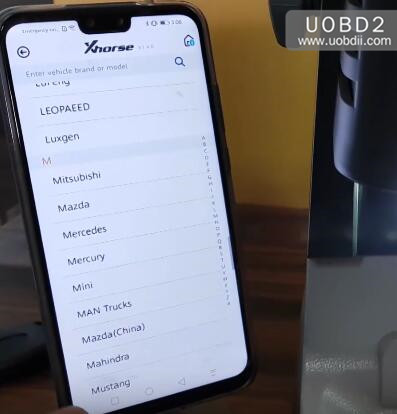

Then follow the screen operations:
M2-C Clamp Tip align position
Key fixed Clear metal fillings and use your finger to press the blank key on the clamp and make sure it is flat.
Then click “OK” to continue

Press “Decode”
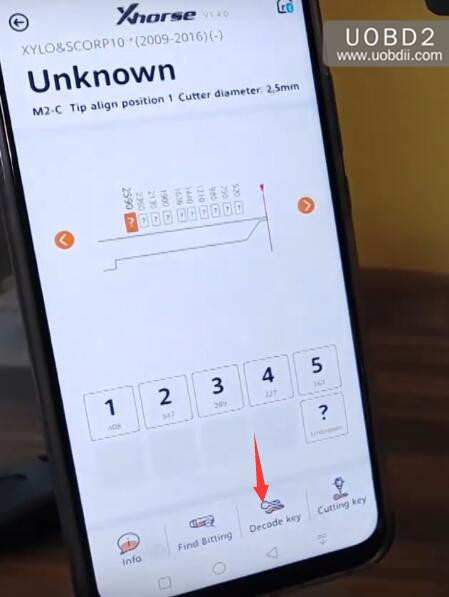
Follow the screen prompt,then press “Continue”
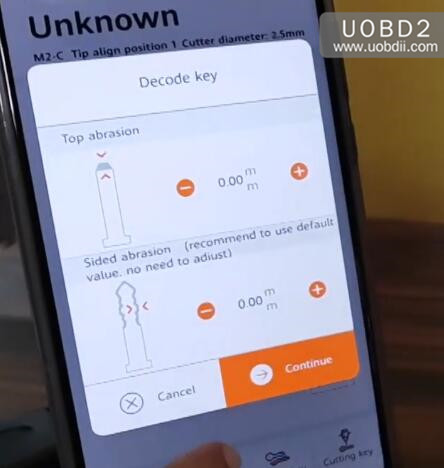
Now Dolphin machine will start decoding key,please wait for processing
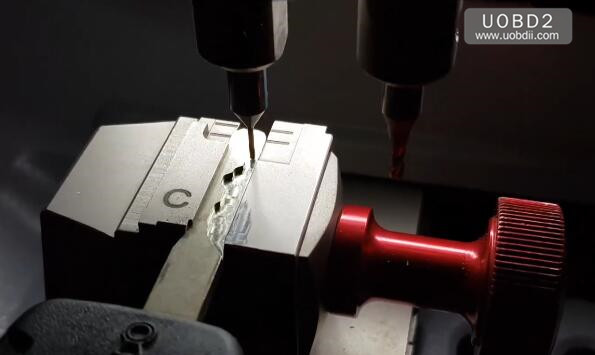
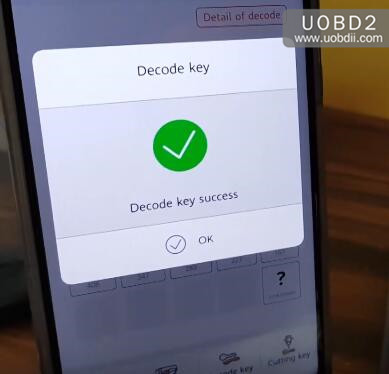
Decode key success,press “OK” to continue
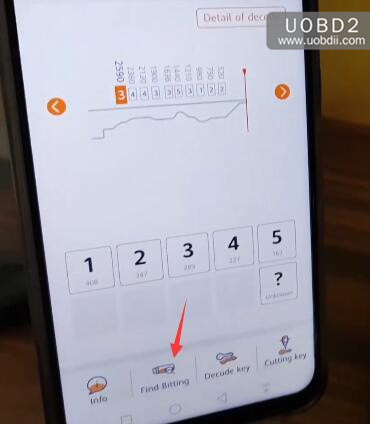
Press “Find Biting”
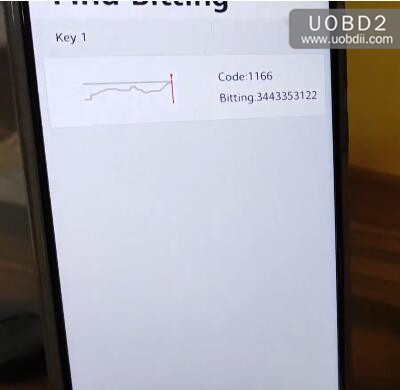
Code:1166
Biting:3443353122
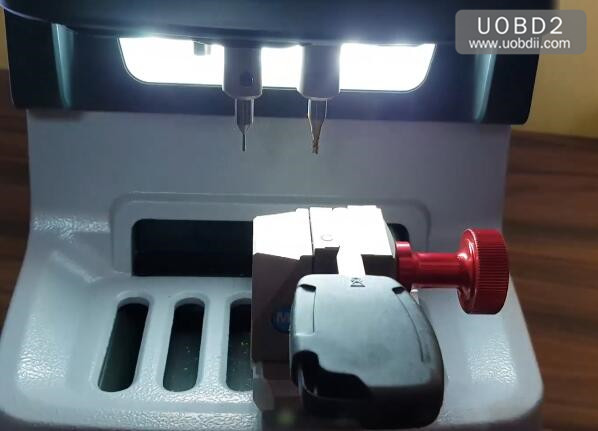
Put a new blank key on the clamp
Select “All Key Lost”

Select “Mahindra”
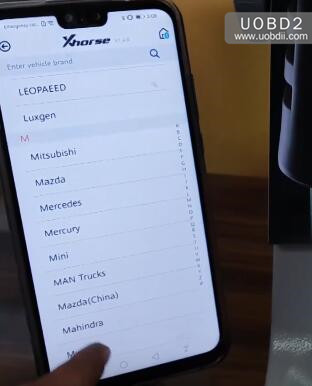
Then input the code “1166”,then press “QUERY” to continue
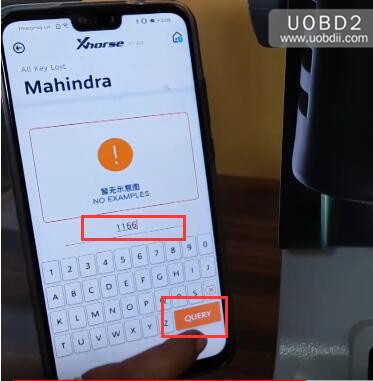
It will prompt you to choose Clamp M2-C,then follow the prompt massage,press “OK” to continue
Press “Cutting Key”
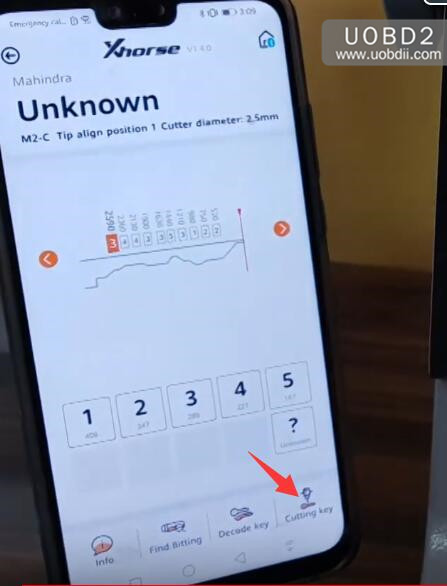
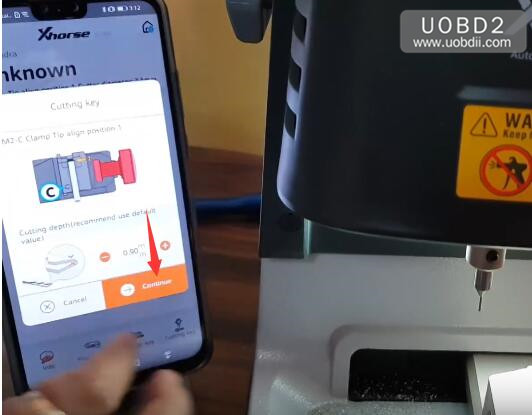
M2-C Clamp Tip align position 1
Cutting dephth(recommend use default value),then click “Continue”
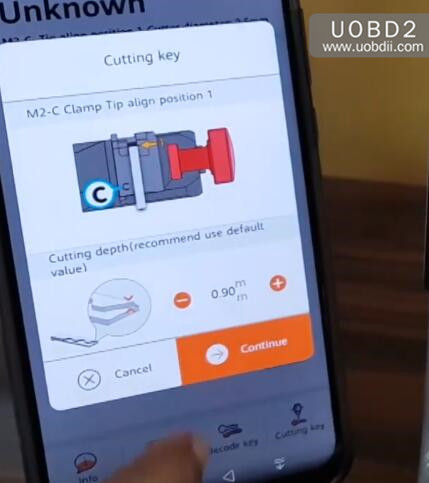
Xhorse Dolphin start cutting key,please wait process completing

Cutting key completed
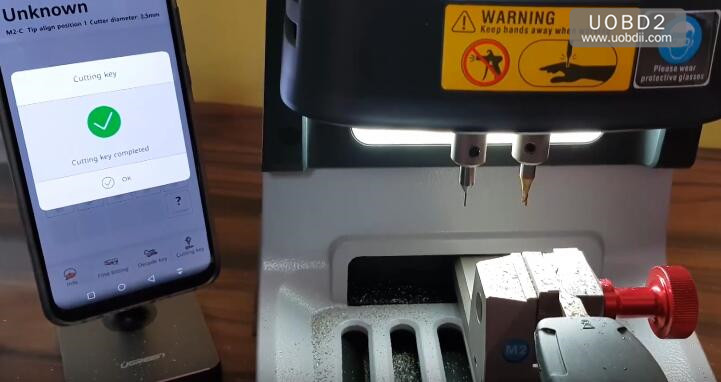
Now we need to cut the other side of blank key,turn the key with blank side on clamp
Then press the “OK” on the screen.

And press “Cutting key”,and click continue to start cutting
After cutting key completing,now you can test the key.
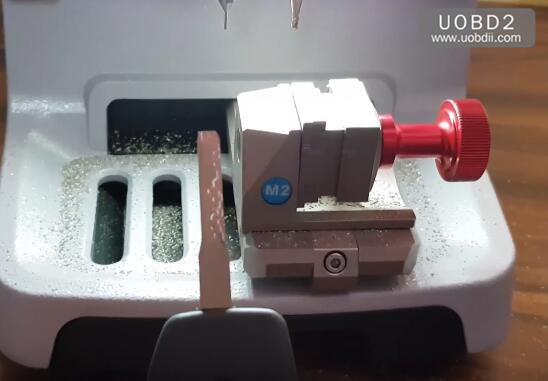
Done!
More Dolphin information please check here:
http://www.uobdii.com/wholesale/xhorse-condor-dolphin-key-cutting-machine.html