In this instruction,i will show you how to use Keyline 884 to program a new key for KIA Sorento 2005.

Connect Keyline 884 to your laptop,open the drop-down menu and select the “EEPROM XTRA Menu”

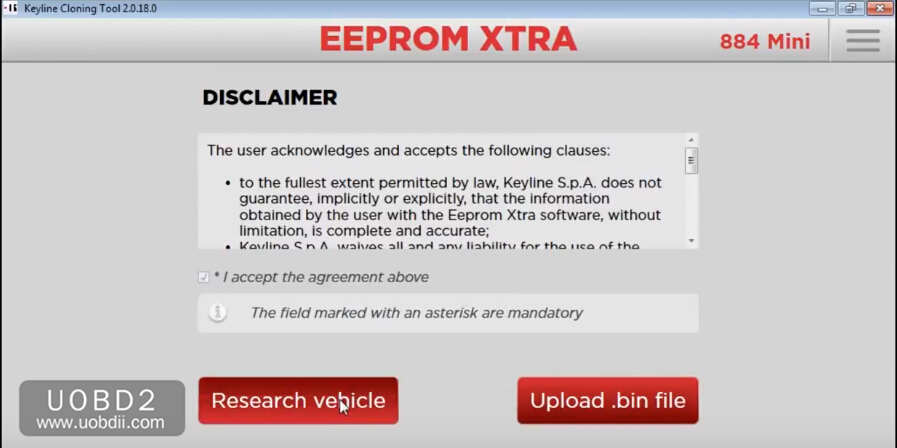
Click “Research vehicle”
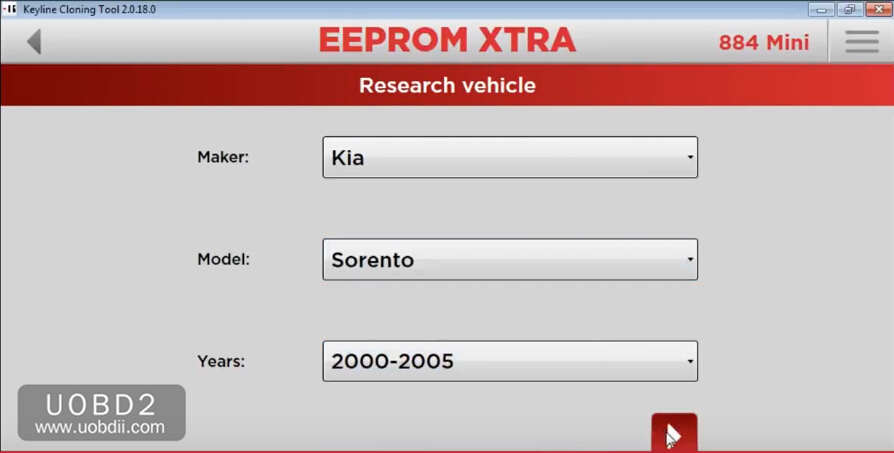
Select “KIA”–>”Sorento”–>”2000-2005″,then press “Next” to continue
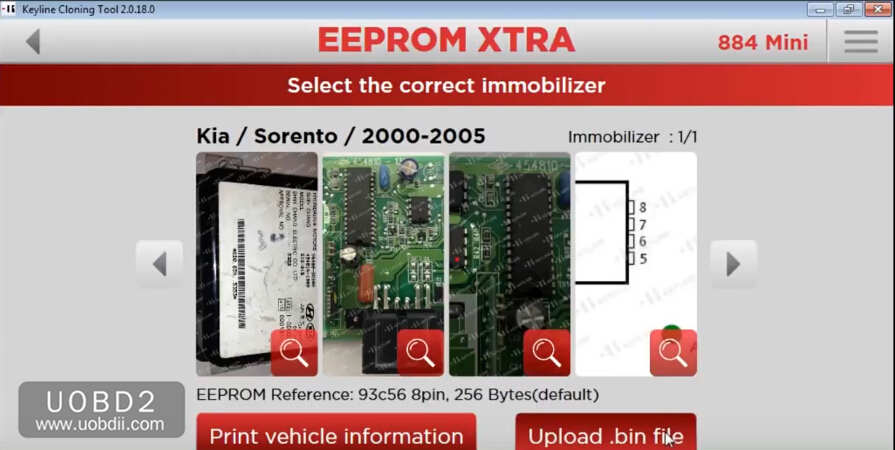
Compare your immobilizer with pictures on the software
Then click “Upload .bin file”
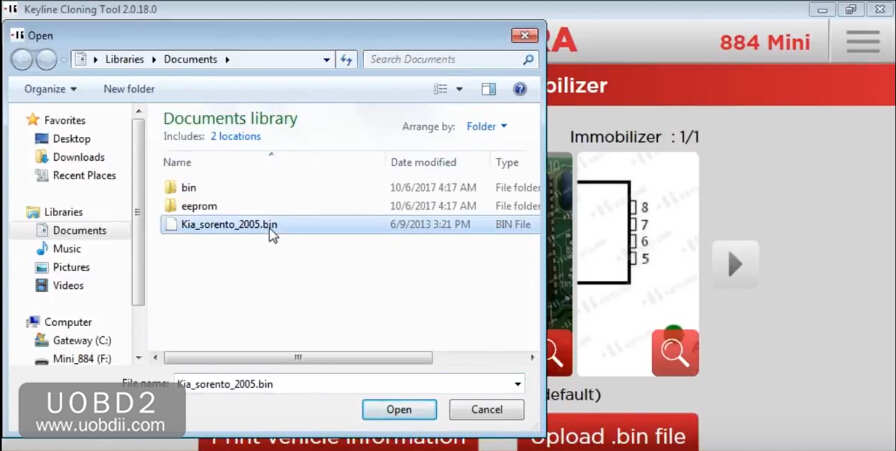
From your PC,select the .bin file and press OPEN
Check that the desired vehicle is in the result list,then press NEXT.
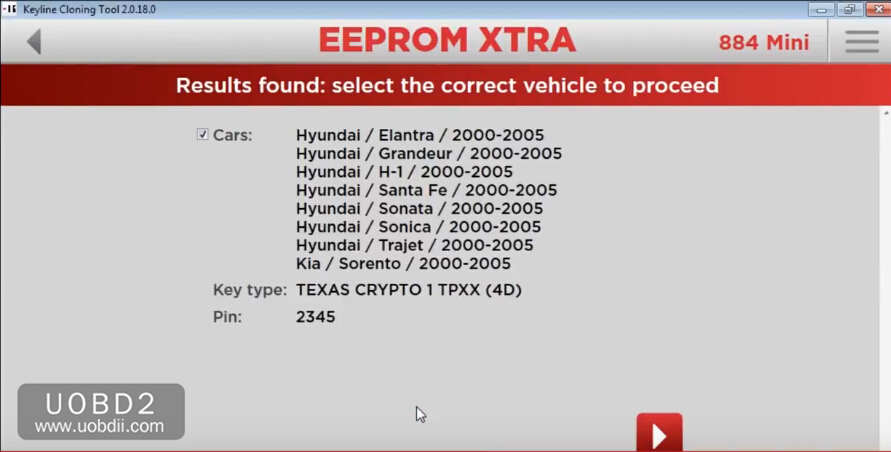
Wait for process…
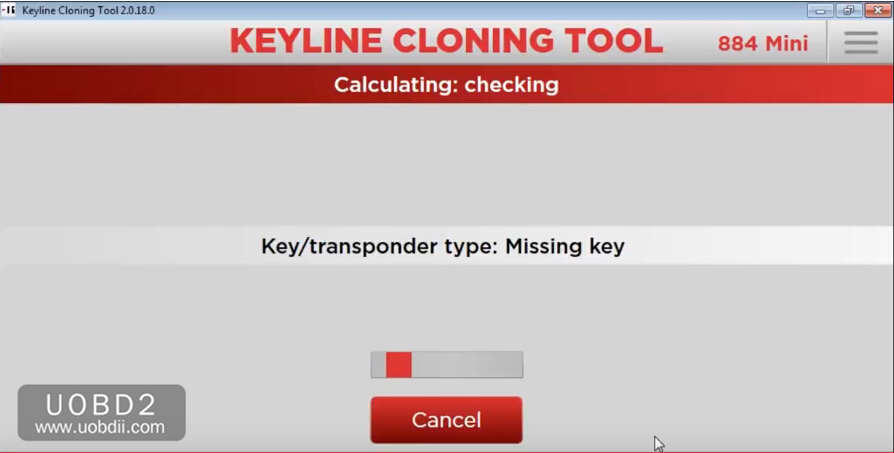
Insert the key with the required transponder in the 884 Decryptor Mini Device

Copying
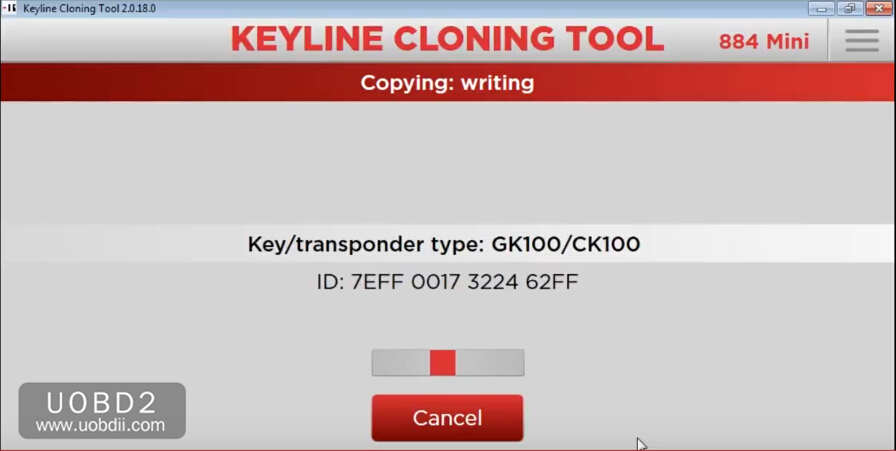
Key copy completed
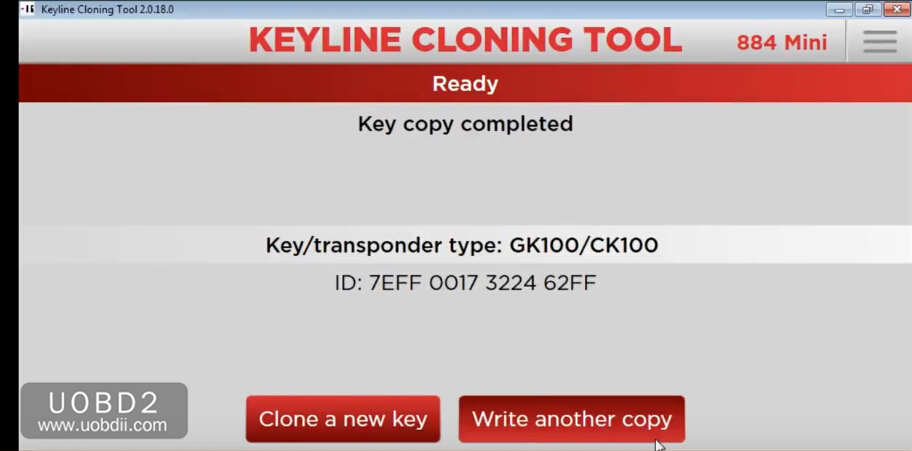
Remove the new original key from Keyline 884 Mini and verity the correct functioning of the key,go to the car.Insert the new original key in the car and turn on the dashboard

Done!