This article show a guide on how to use SuperOBD SKP-900 program new key for VW
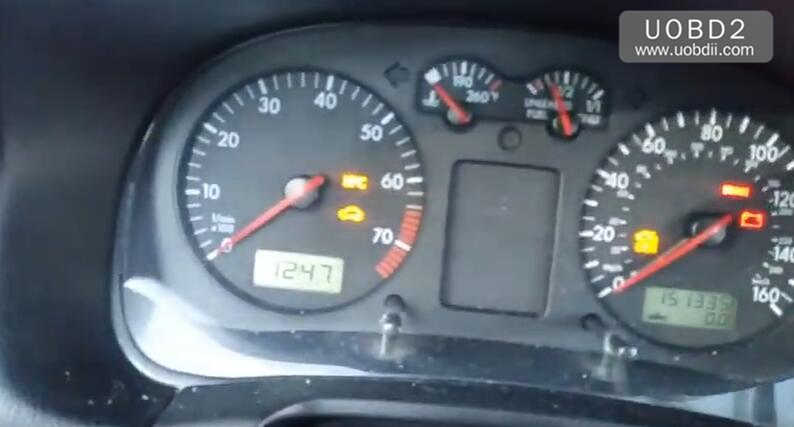
Procesures:
Connect SKP900 to vehcile by OBD,and enter the menu to select “VW” model
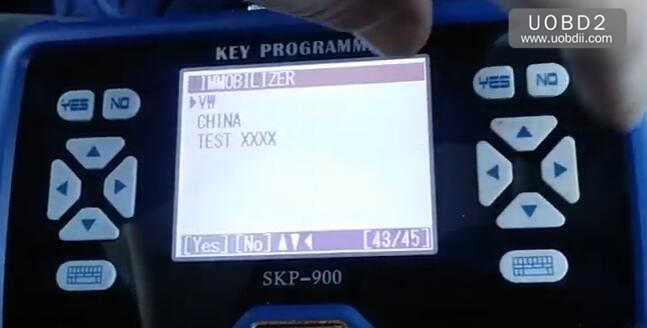
Select “Read pincode”
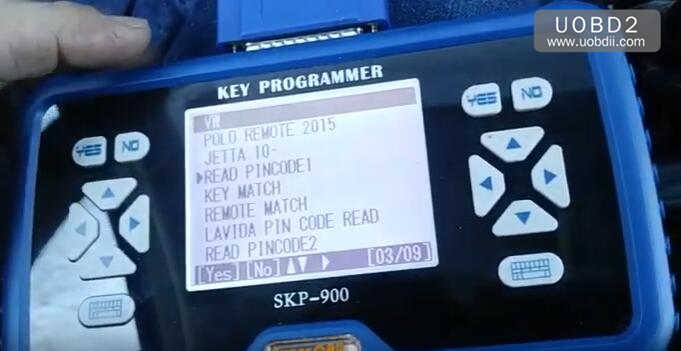
Wait for system loading
PASSWORD READING SYS1
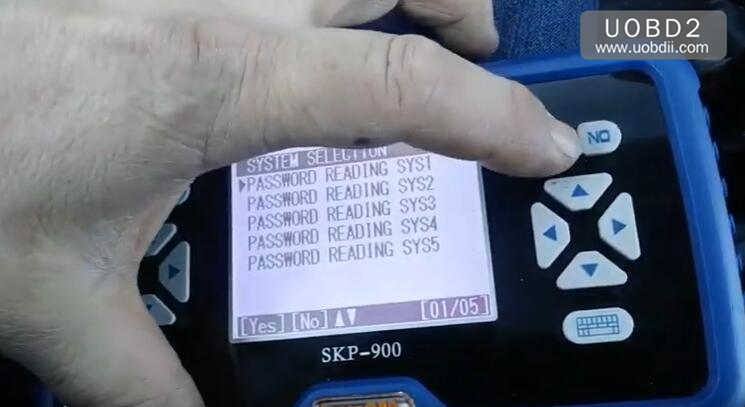
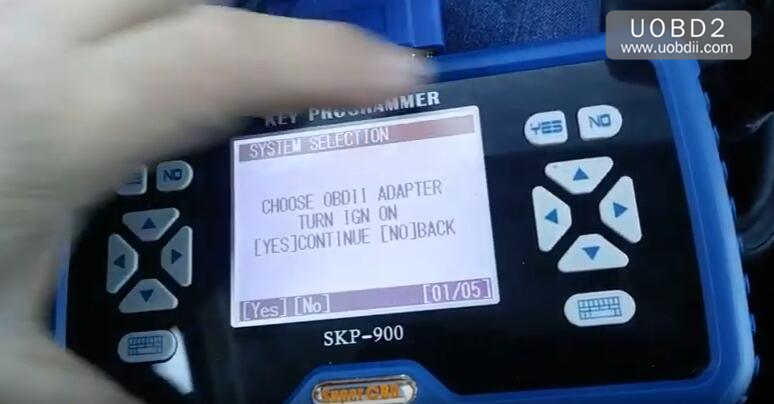
Follow the screen prompt to choose OBDII adapter and turn ignition on,then click “Yes” to continue
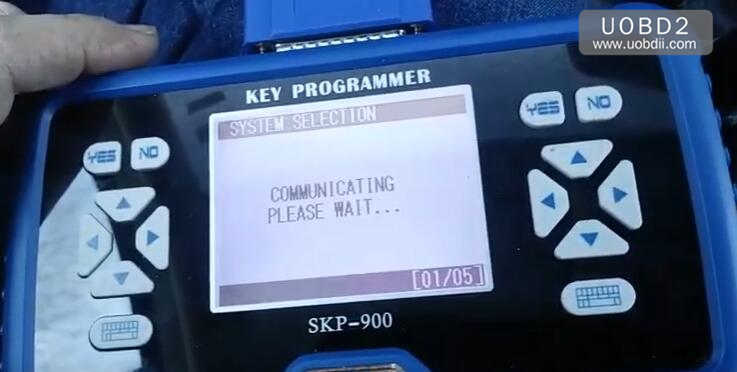
Communicating,please wait…
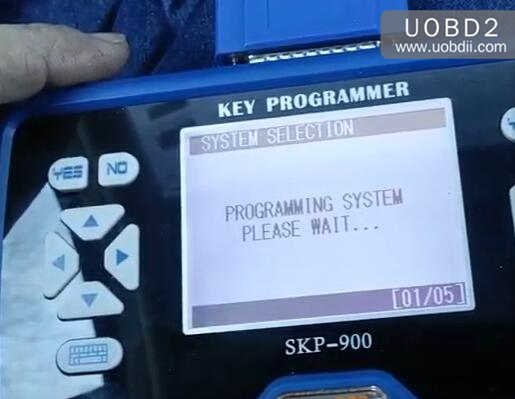
Programming system please wait…
After a few second waiting,you will get the pincode or password:4966

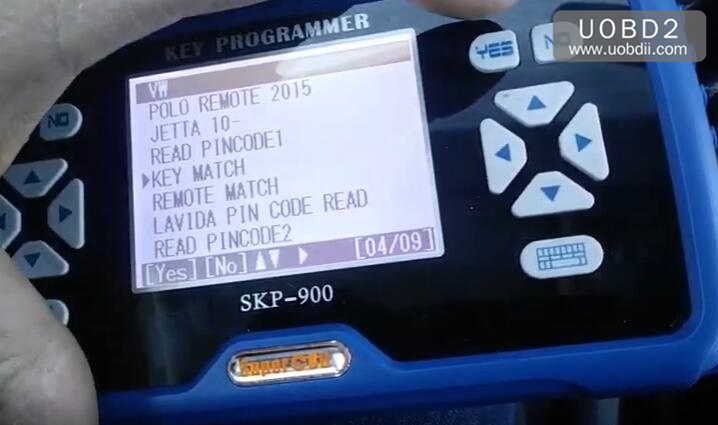
Back to menu and select “KEY MATCH”
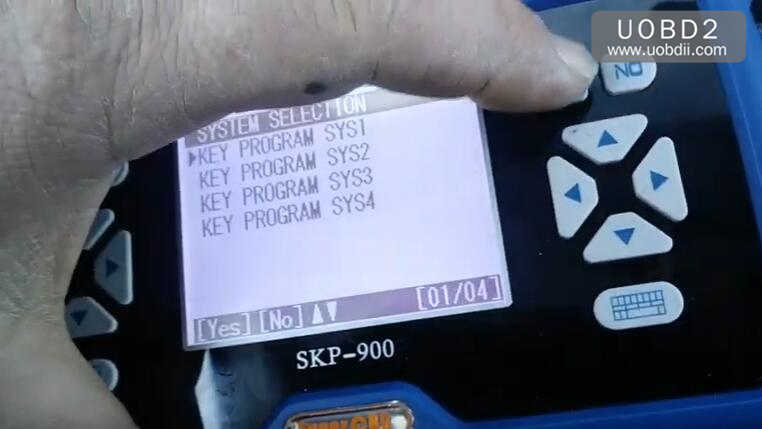
Select “KEY Programm SYS1”
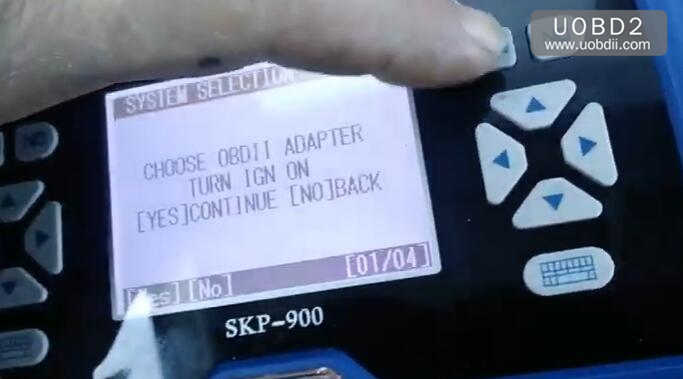
Choose OBDII adapter and turn ignition on,then click “Yes” to Continue
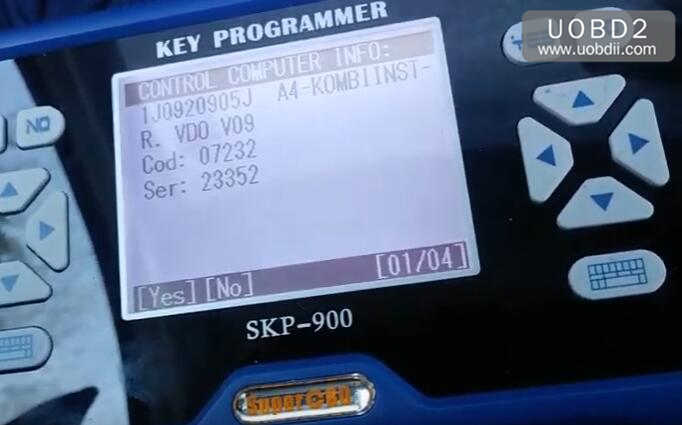
SKP900 will show the control unit computer informaiton:
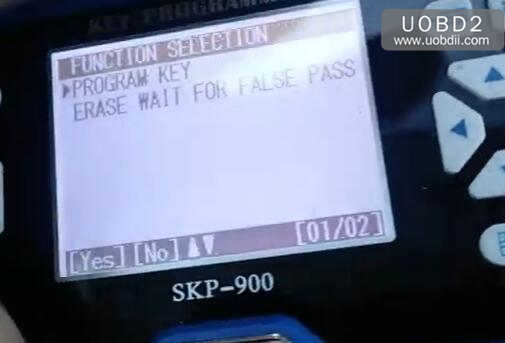
Select “Program Key”
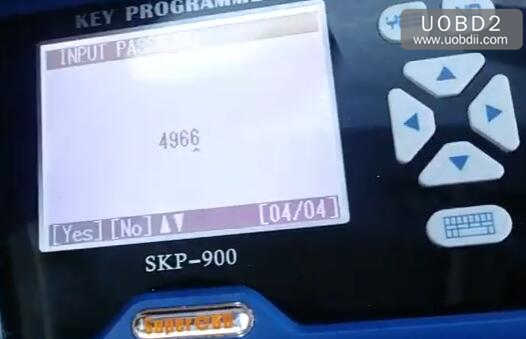
Input the password read out before:4966
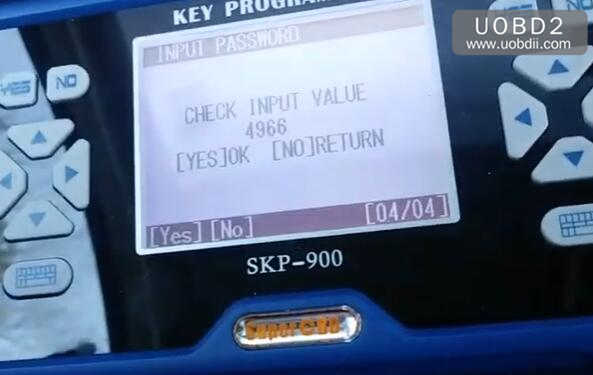
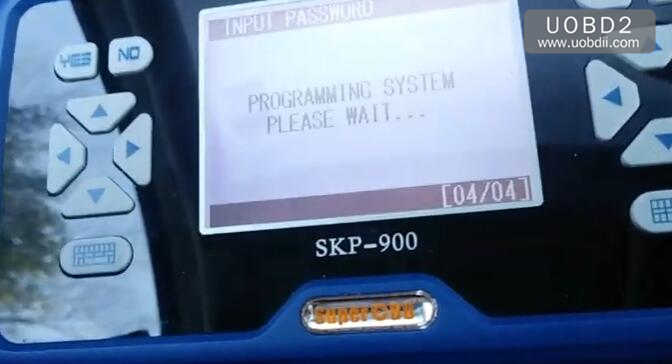
Programming system please wait…
CURRENT NO.OF KEYS:0,prss “YES” to continue
Enter key number you want to program
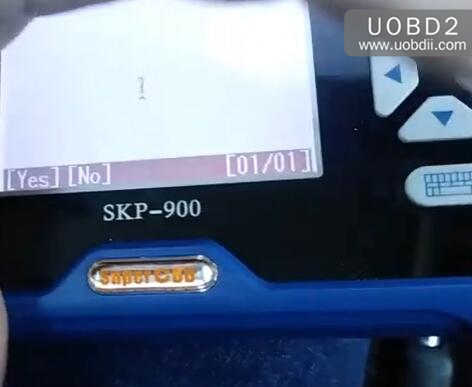
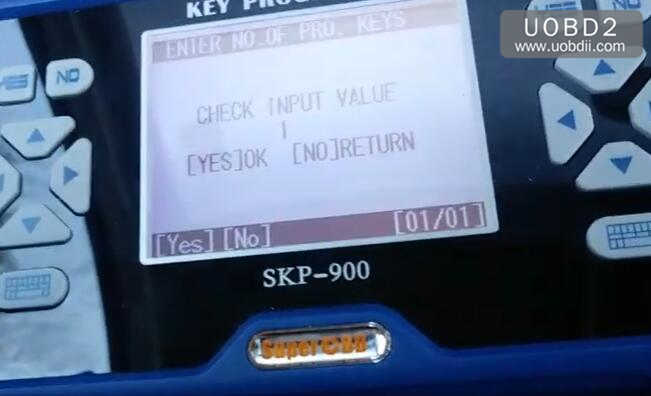
Check input value,and press “Yes” to continue
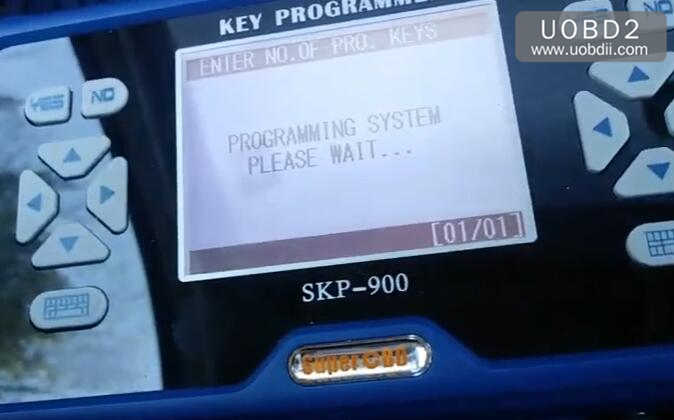
Wait for system programming
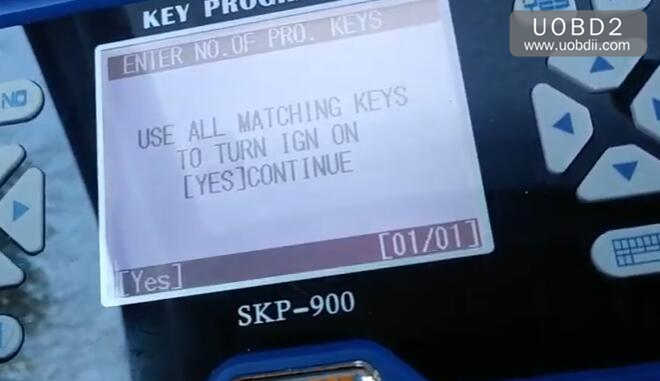
Use all mating keys to turn ignition on,and press “Yes” to continue
Matching finished
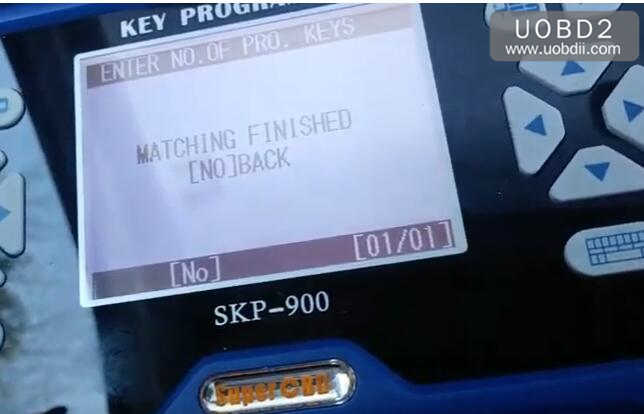
Done!