This instruction show the guide on how to use Xhorse Condor Mini Plus to decode and cut keys for Hyundai ix35 Grand.
Procedures:
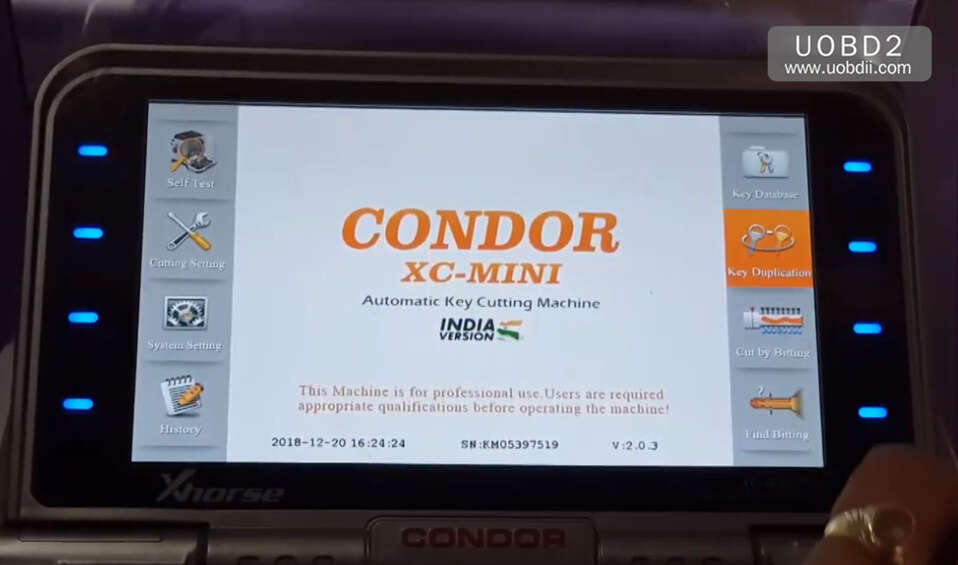
Power on Condor Mini Plus and select “Key Duplication”
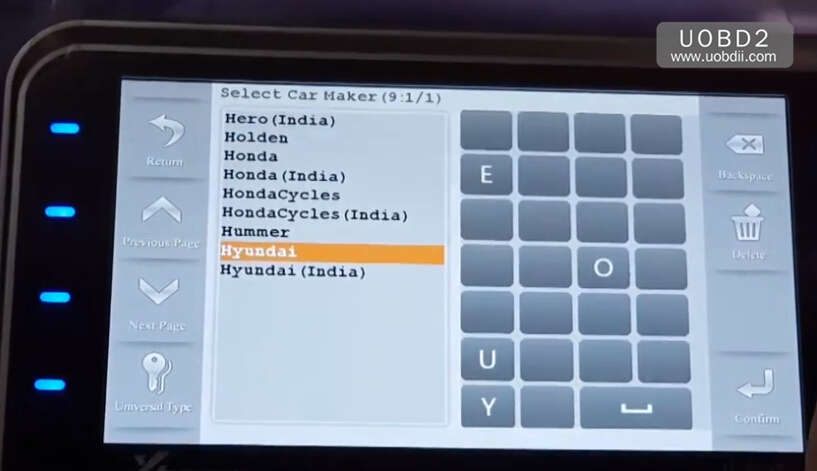
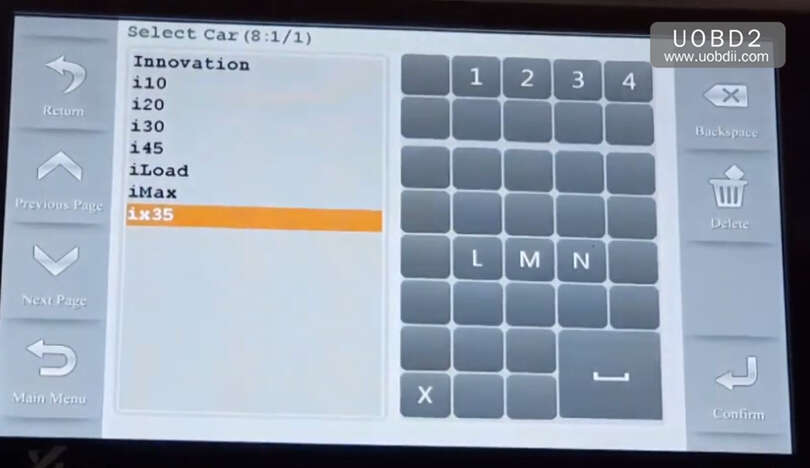
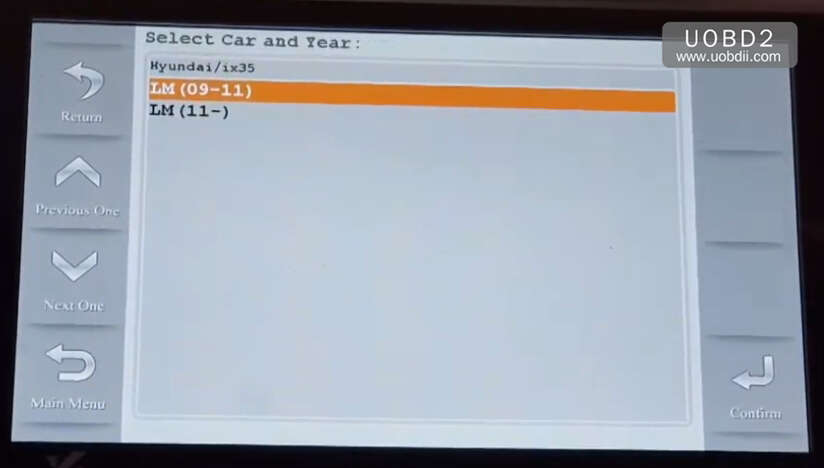
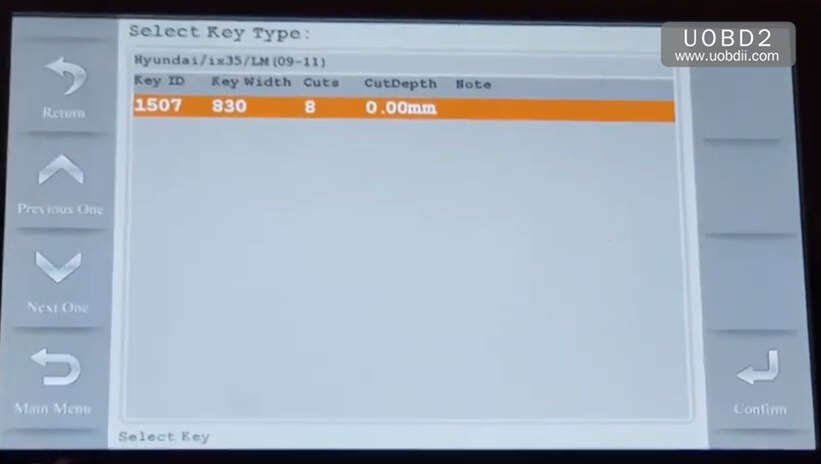
Select “Hyundai”–>”ix35″–>”LM(09-11)”
Select Key type
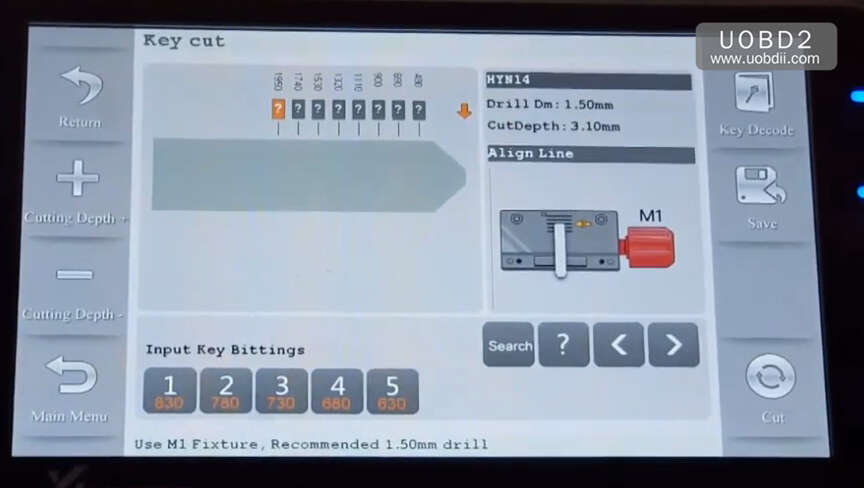
Select “Key Decode”
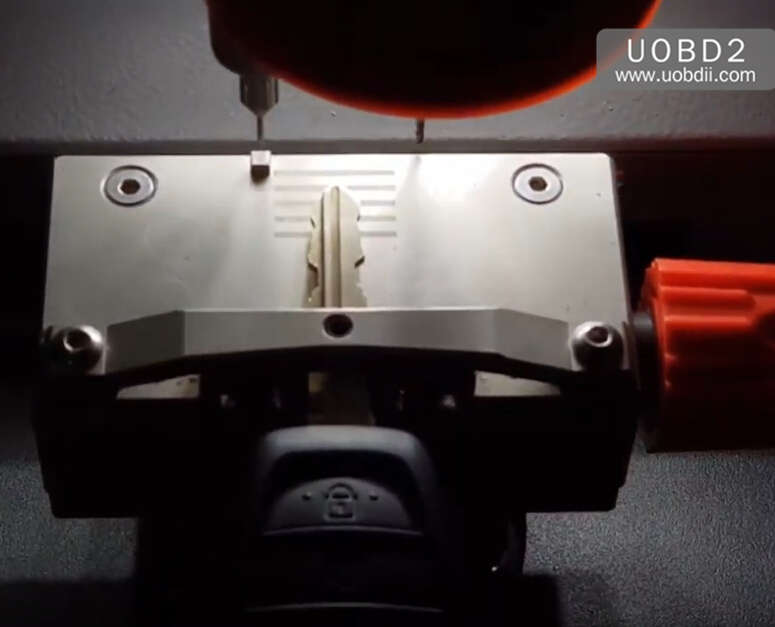
Put original key on the clamp
Press “Confirm”
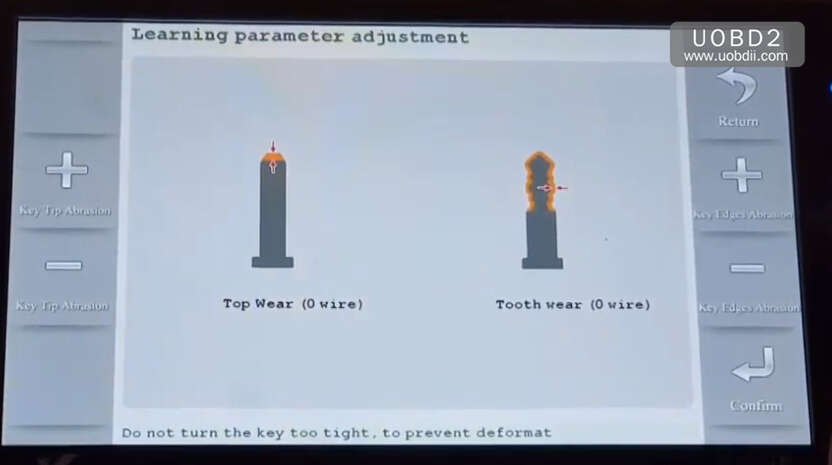
It will start decoding
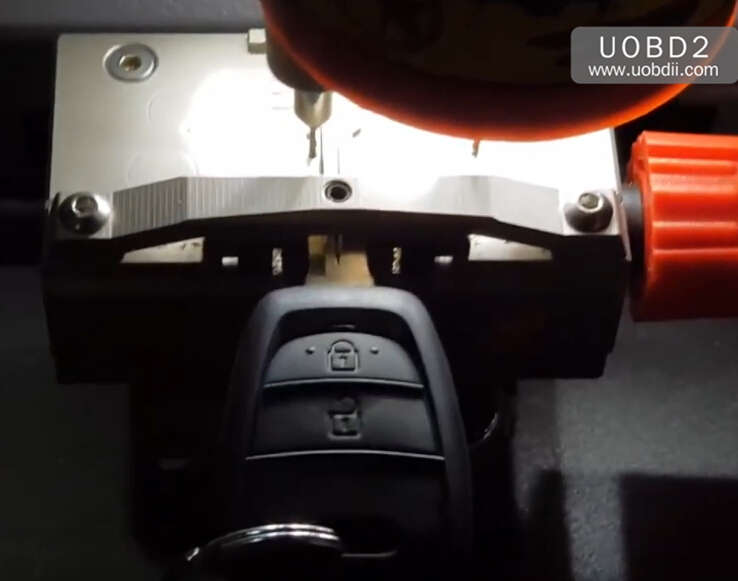
…
Now it show the key code as below,press “Search” button
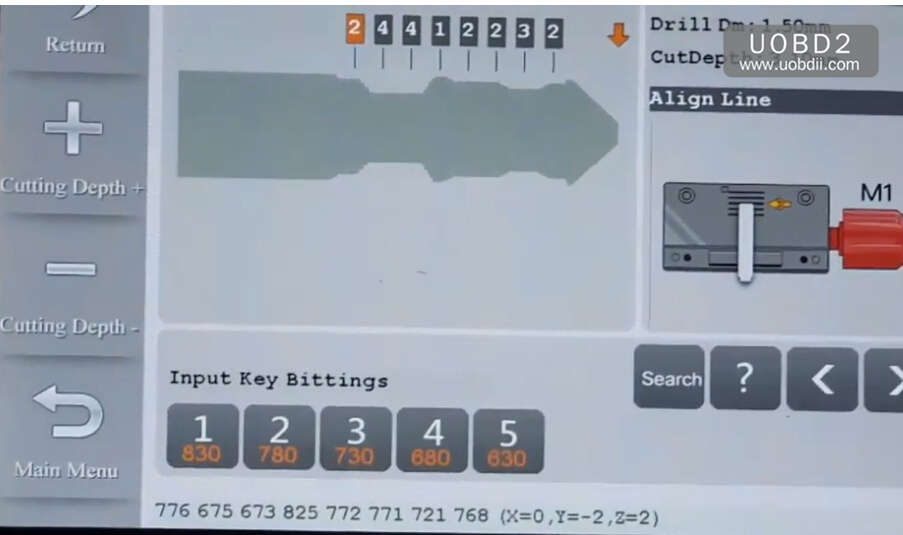
Query Complete (P0544)
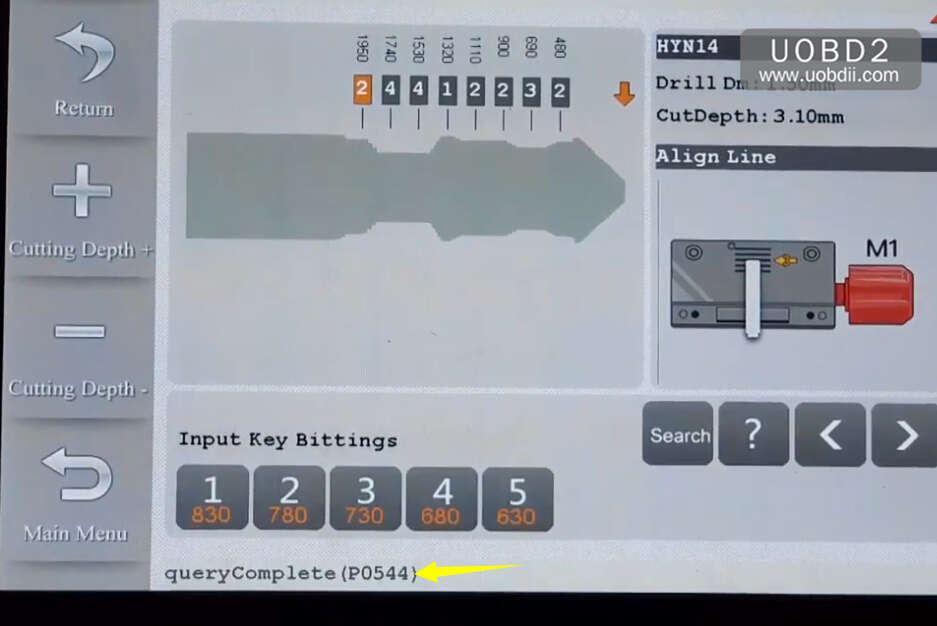
Back to select “Hyundai”
Then input “P544”,and press “Confirm” to continue
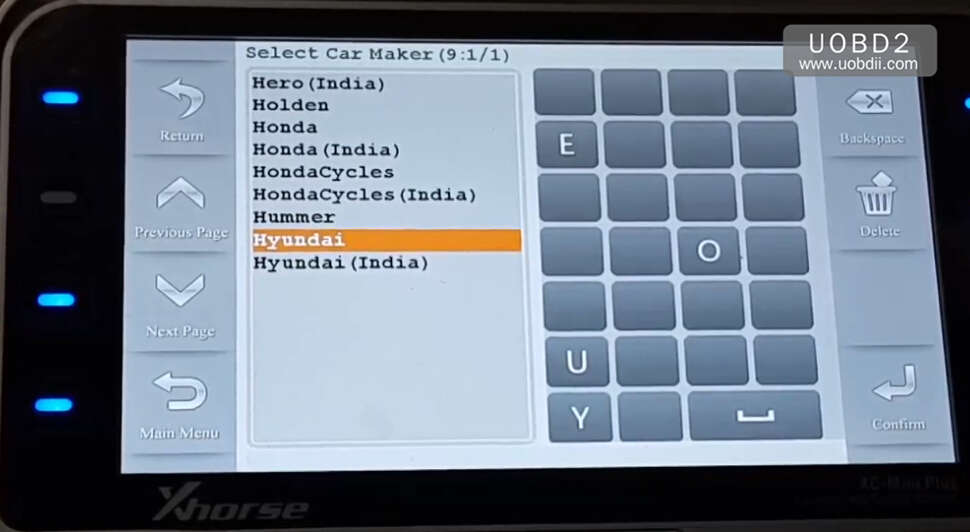
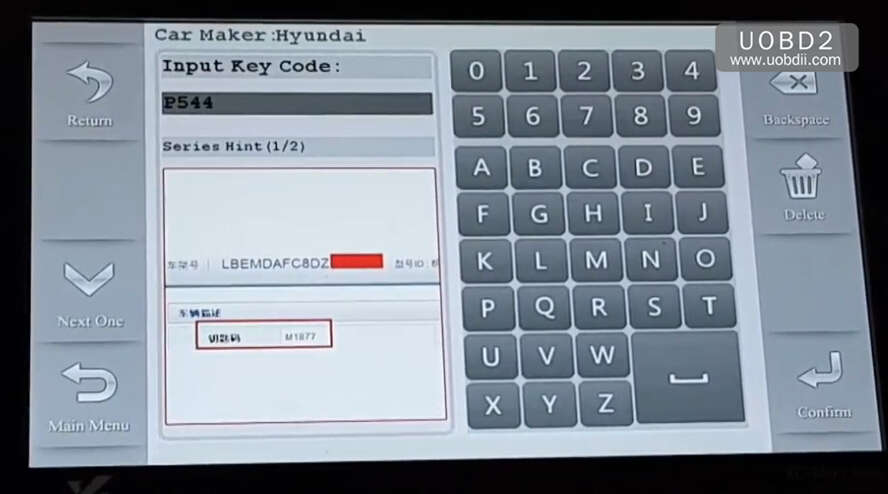
Press “Confirm”
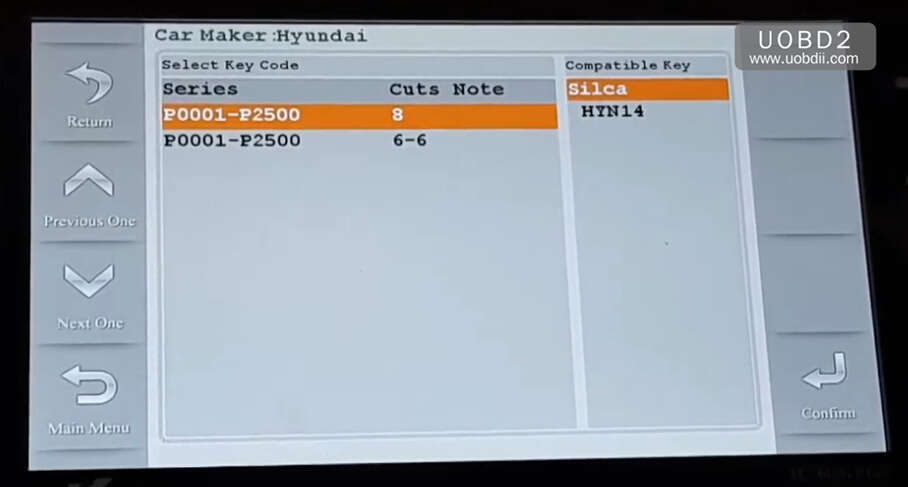
Put a new blank on the Mini Plus clamp
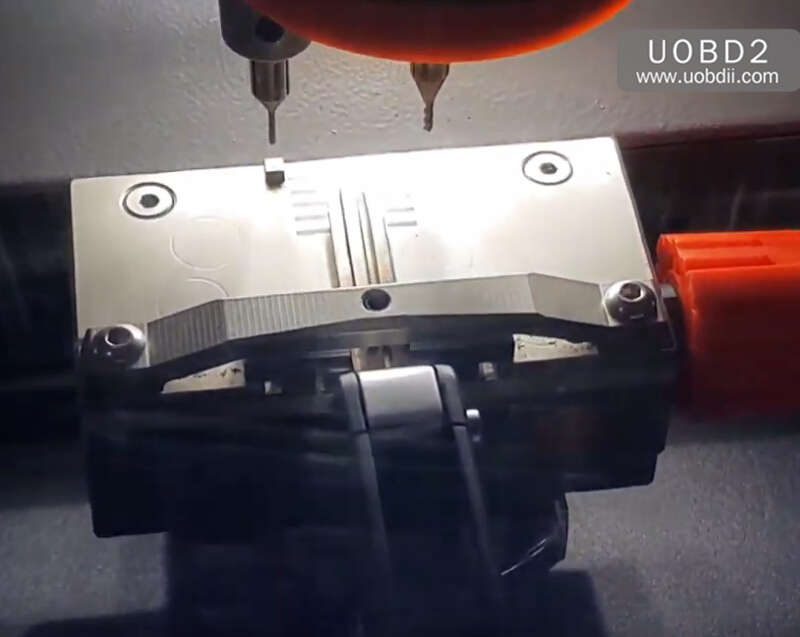
Now press “Cut” to start cutting
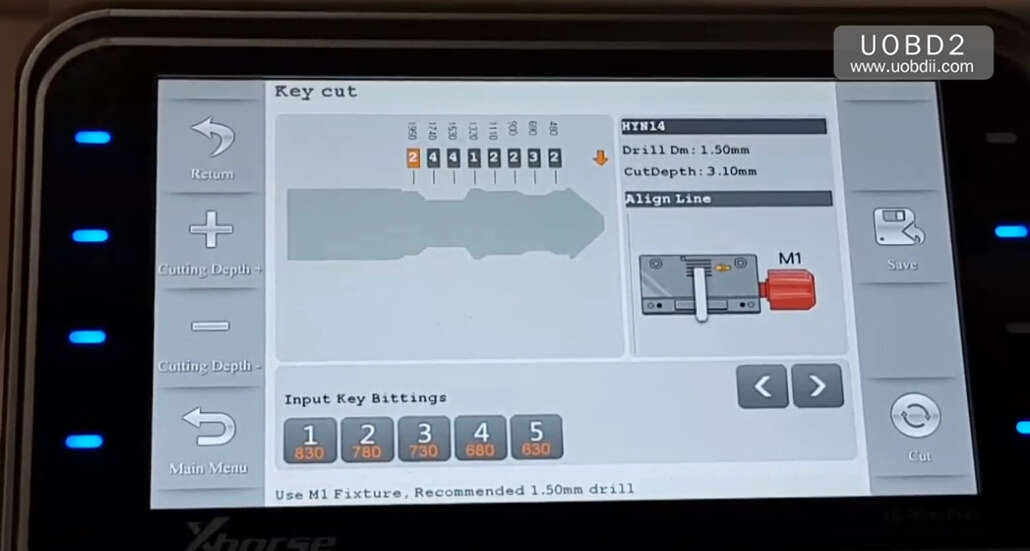
Cutting process…
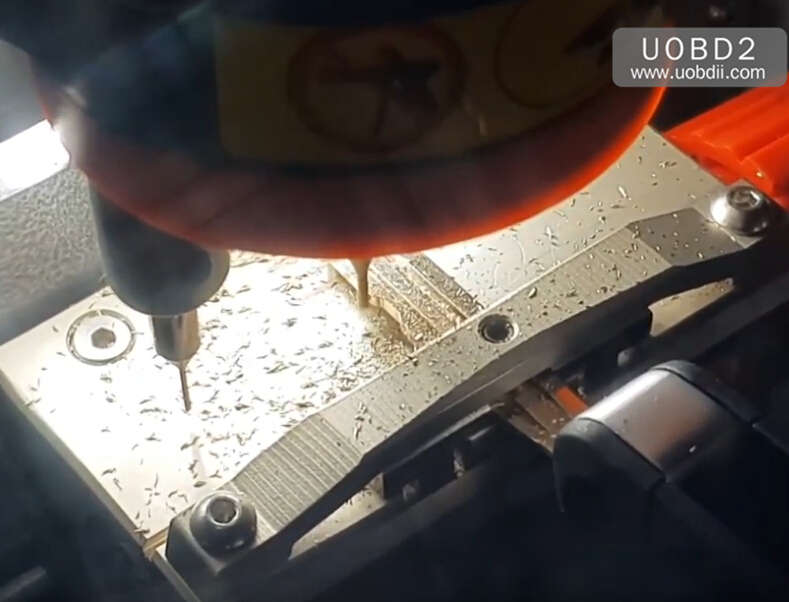
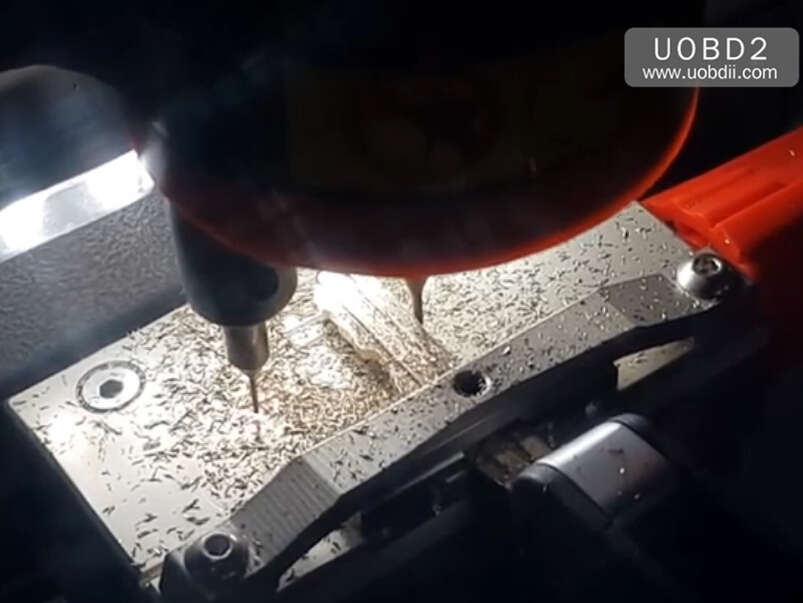
After cutting completing,remove key from clamp.
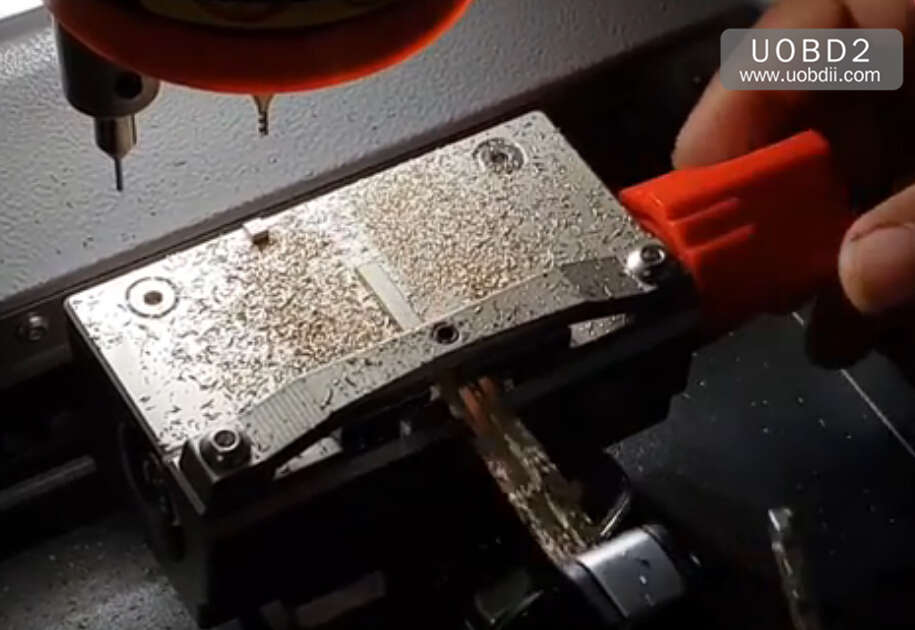
Done!
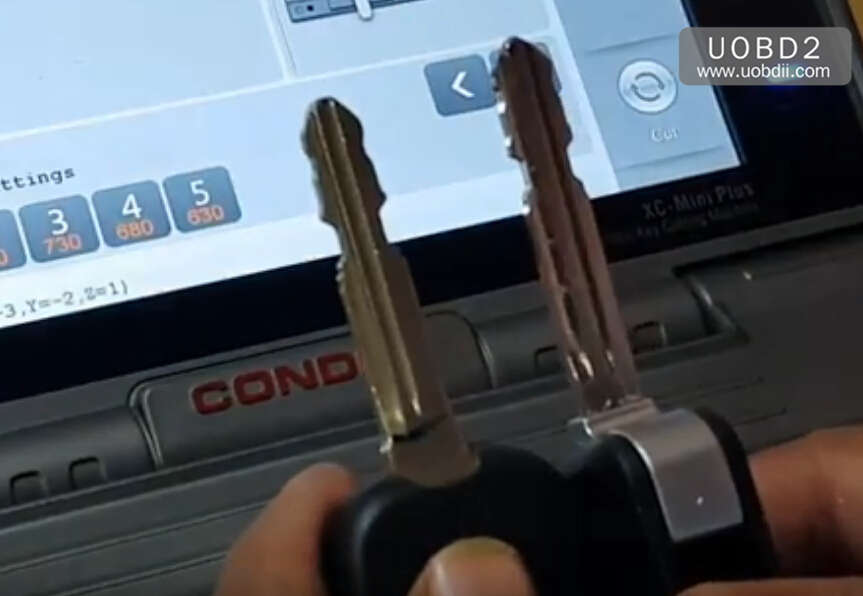
More Condor Min Plus details:
http://www.uobdii.com/wholesale/xhorse-condor-mini-plus.html