This article show a guide on how to install Xhorse software,and register Xhorse Mini Key Tool.
Procedures:
Use your mobile phone to scan below QR code for Xhorse APP on Google Play

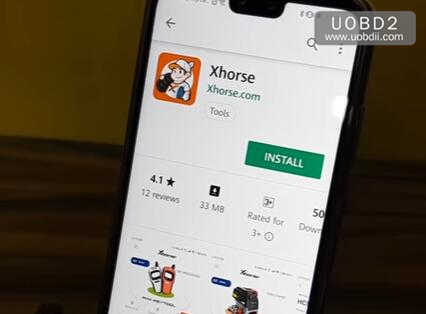
Click “INSTALL” button to install Xhorse APP
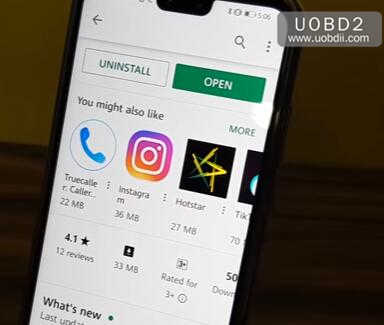
After installation completing,click to open the APP

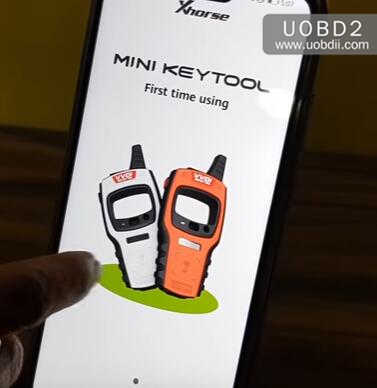
Power on Xhorse Mini Key Tool

Click the “Select” button on the app
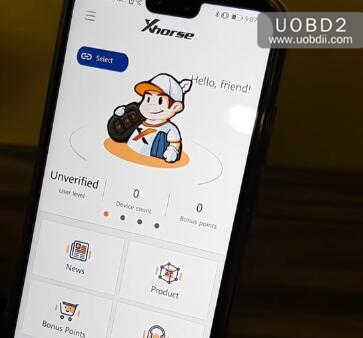
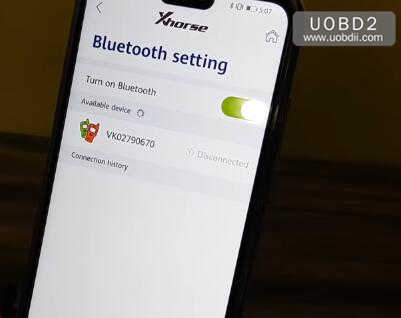
Now Xhorse app will find the your Mini Key Tool by bluetooth,click the device you power on just now.
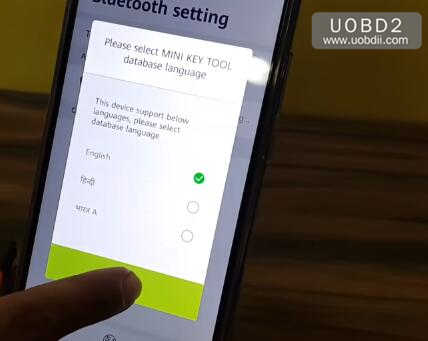
And here you need to select Mini Key Tool database language,here select English,and click “OK” to continue
Now your Mini Key Tool have connected to the Xhorse APP.
Then it will prompt you to update the database,click “Update” to continue
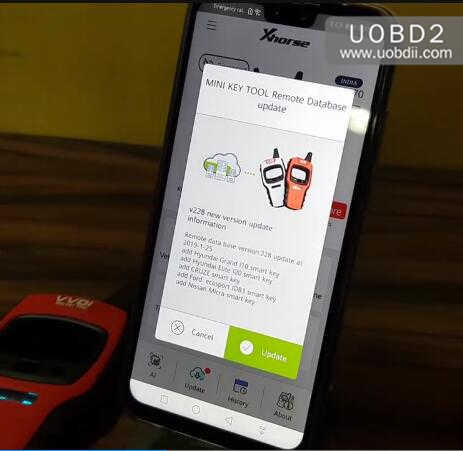
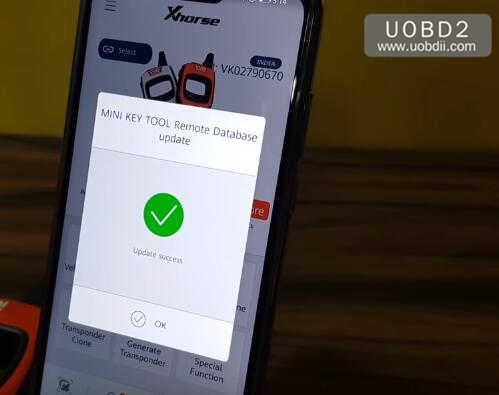
It will take you several minutes to update database,and after database updating successfully,click “OK” to continue.
Then click “Me” button
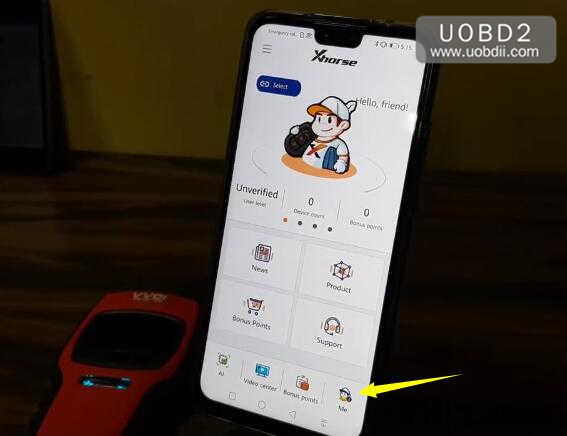
Click “Please login” to register
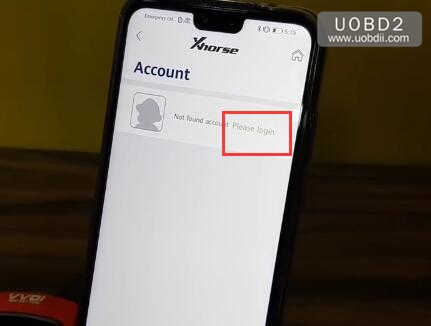
Select “Area code” and enter your cell phone number,then click “Sent”
After then you will receive a “security code”,enter this code,the click “Login”
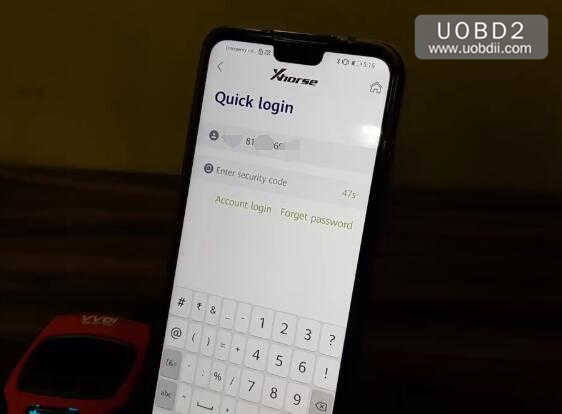
The it will require you to enter your password twice,then cick sumit button

Now your Mini Key Tool have registered!
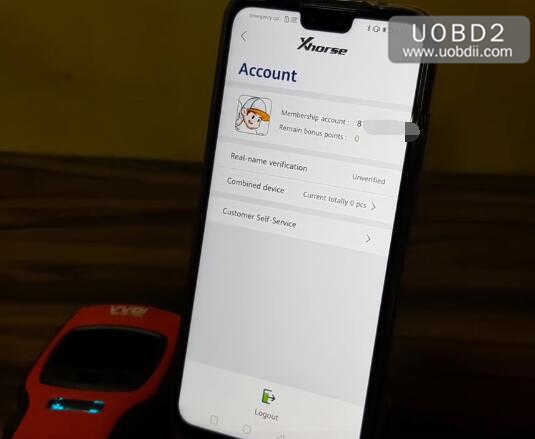
Done!